Buy Now
 Buy Now



Convert Video and Audio, 30X Faster!

Convert All Videos,
including HD and 3D!
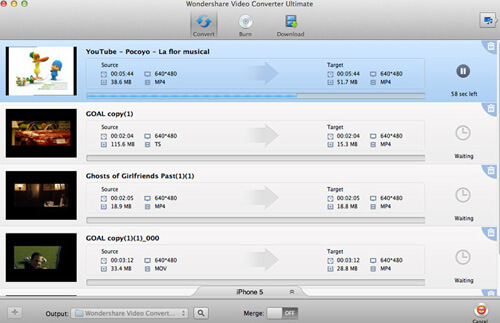
Convert standard videos, HD videos to and from almost all formats like MP4, AVI, MKV, WMV and MOV. Not Matter where it is, your camcorder or phone.

Convert All Audio,
Take Music Everywhere
Supports almost all media formats and converts audio from/to MP3, WAV, M4A, OGG and more, great for your iPods, Phones and other music players.

Burn homemade DVDs,
Bigger Entertainment
Fansinate your photos, video and music into DVDs with unique DVD templates of Family, Christmas, Nature and more. All for the bigger screen's enjoyment.

Playback on All Devices,
Phones, Pads, and more
All videos now can be playble on your phones, pads, and game consoles. Even you can move videos to your Apple and Android devices without USB cale!
| DVD | DVD disc, ISO files, DVD folder, IFO files |
| Audio | MP3, M4A, WMA, WAV, FLAC, AC3, AAC, OGG, APE, MKA, AU, AIFF, M4B, M4R, MP2, MPA etc |
| Video | MP4, AVI, MKV, FLV, MPG/MPEG, WMV, MOV, MTS/M2TS/TS/TP/TRP(AVCHD, H.264, VC-1, MPEG-2 HD), TIVO, NUT, H.264, NSV, MOD, TOD, DV, ASF, 3GP, 3G2, RM, RMVB, WTV, OGV, MXF, VRO, etc. |
| Image (watermark) | BMP, JPEG, GIF, PNG |
Key Features
30X Conversion to save your time
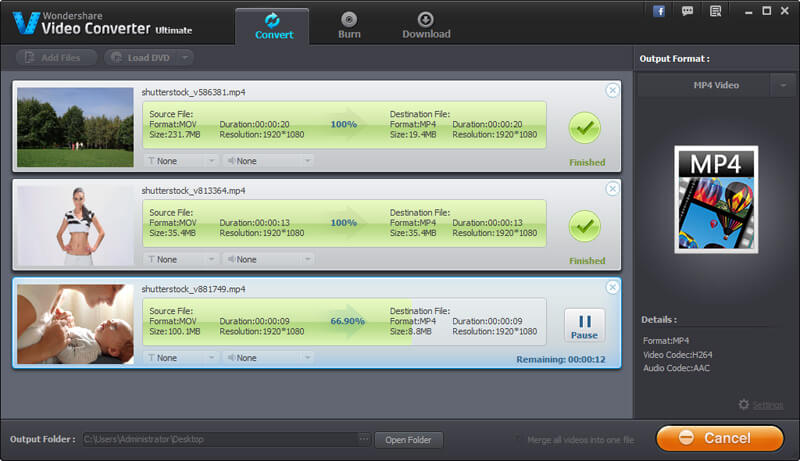
Convert 30X faster than other converters with ZERO Quality LOSS! Help you to set the output formats for each file or convert all files to one format at once.
Comprehensive Support for Video Formats
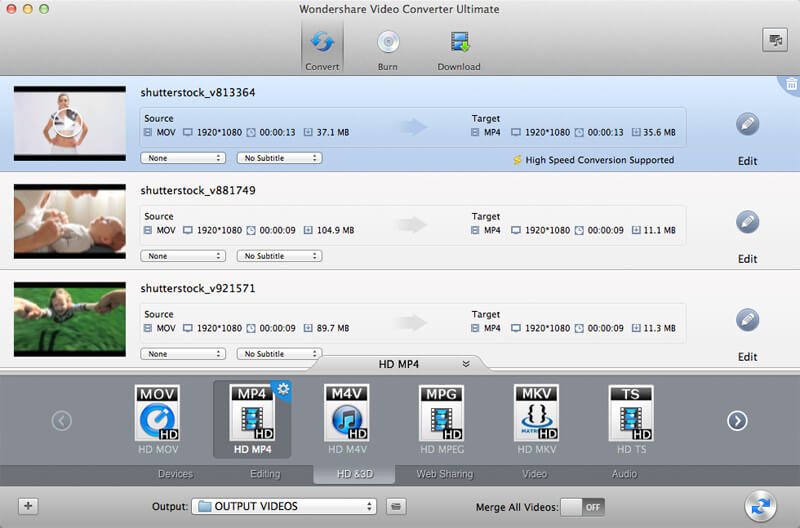
Convert, transcode or compress a variety of videos or audios to the required format of your playback or editing preference.
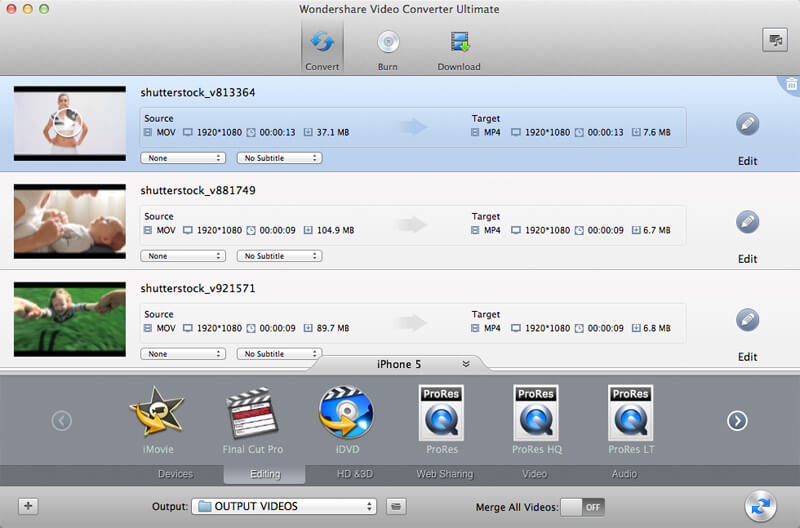
Native Codec Supported
This program supports Apple Intermediate Codec, ProRes and DNxHD - ensuring maximum editing quality and efficiency when working with iMovie, Final Cut Pro, Adobe Premiere or Avid Media Composer.
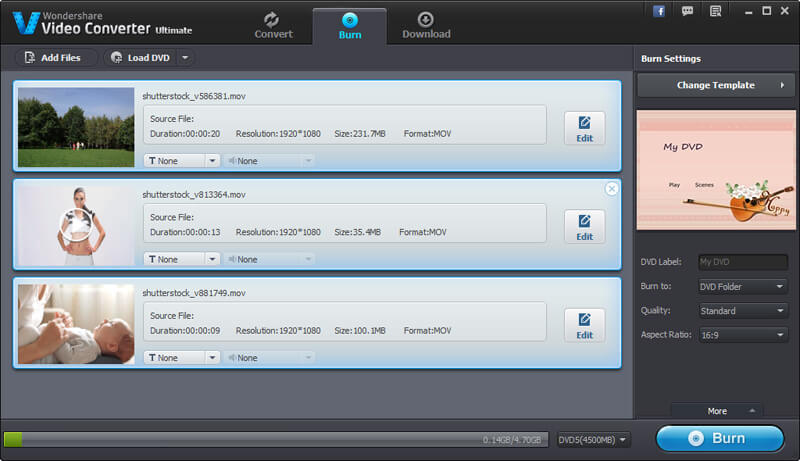
Burn Any Video Formats to DVDs
Choose your own unique DVD template and easily burn any video formats onto a DVD for the bigger screen's enjoyment.
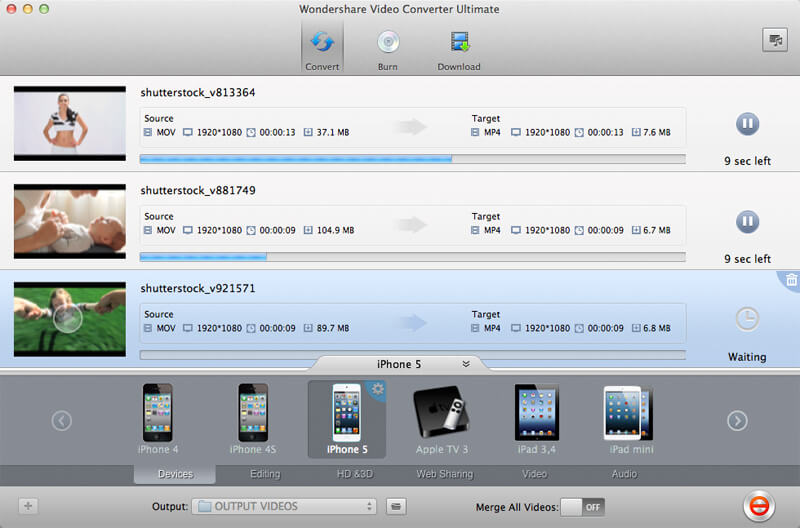
Playback on Portable Devices
Intelligently and automatically convert videos for playback on portable devices such as Apple (inc. of iPad, iPad mini, iPhone), Android (inc. of Nexus 4, 7 and 10) and even game consoles.

Built-in Editing Functions
Easily edit or merge video clips together with the tools provided. Crop, trim, rotate and adjust the level of brightness, contrast or saturation to your liking. You can also create your own ringtones by extracting the audio.