Buy Now
 Buy Now



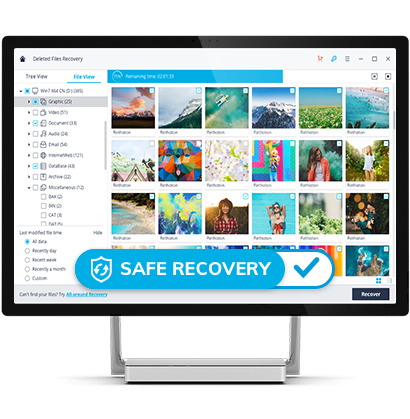
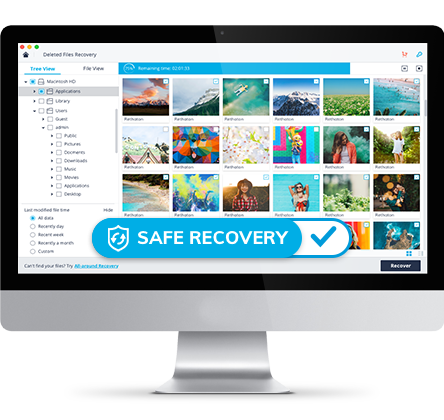
What You Can Recover
Computer Crashed? Important Files deleted? We got them all recovered!
Computer Crashed? Important Files deleted? We got them all recovered!
Deleted, Formatted, or Inaccessible? No Need to Panic!


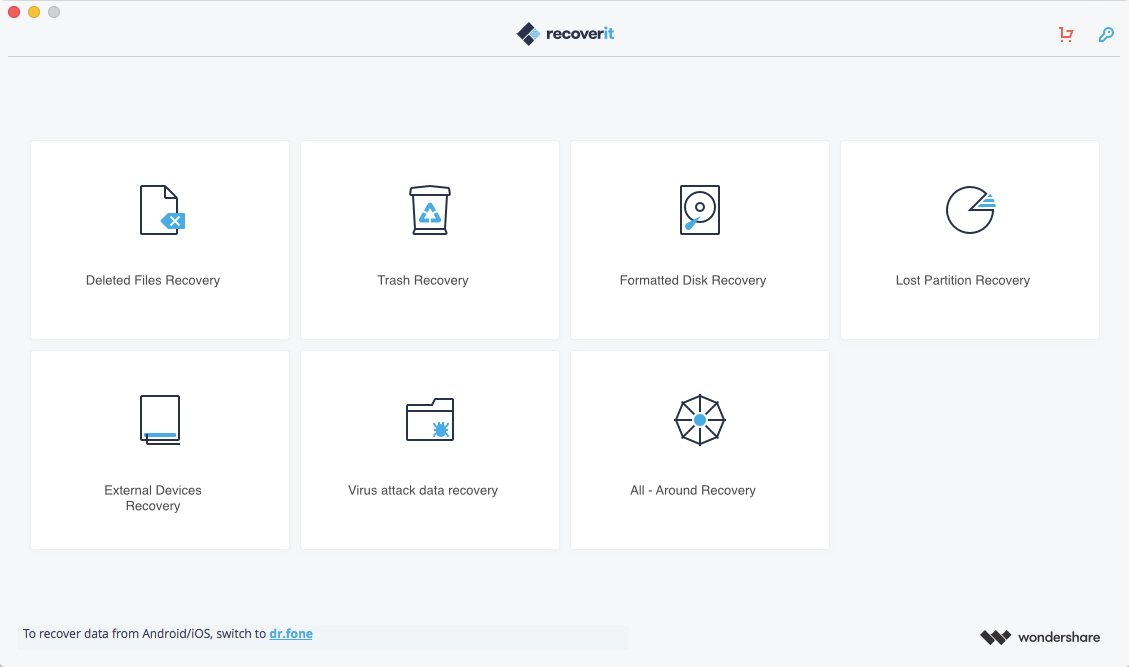
1. Select A Recovery Mode
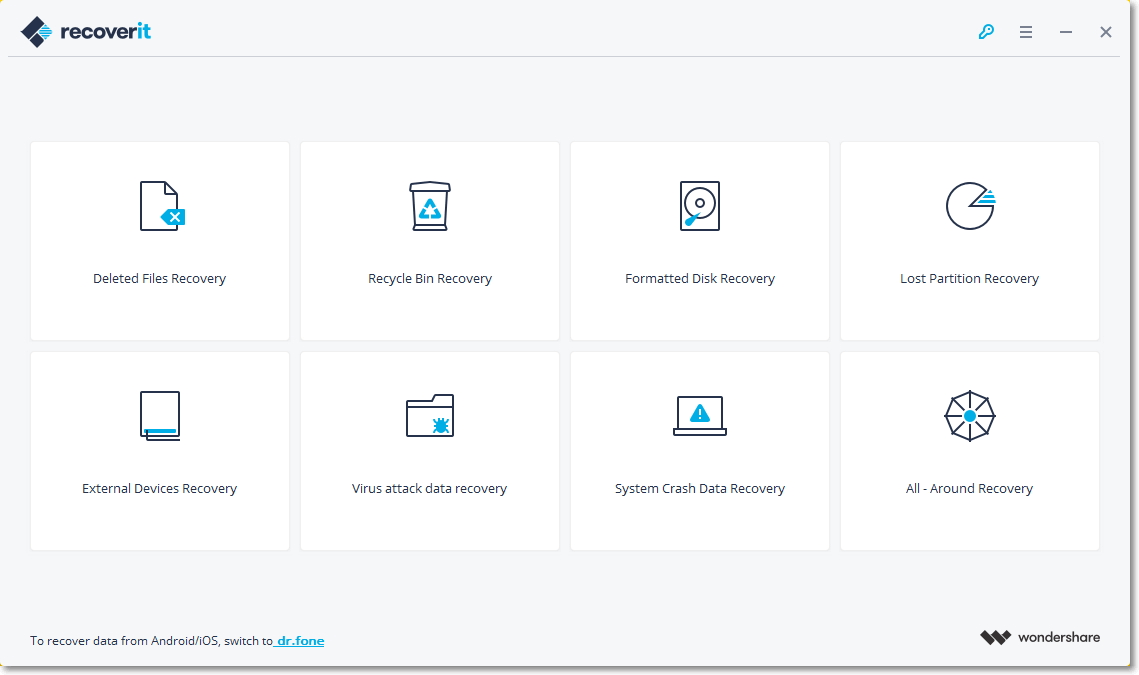


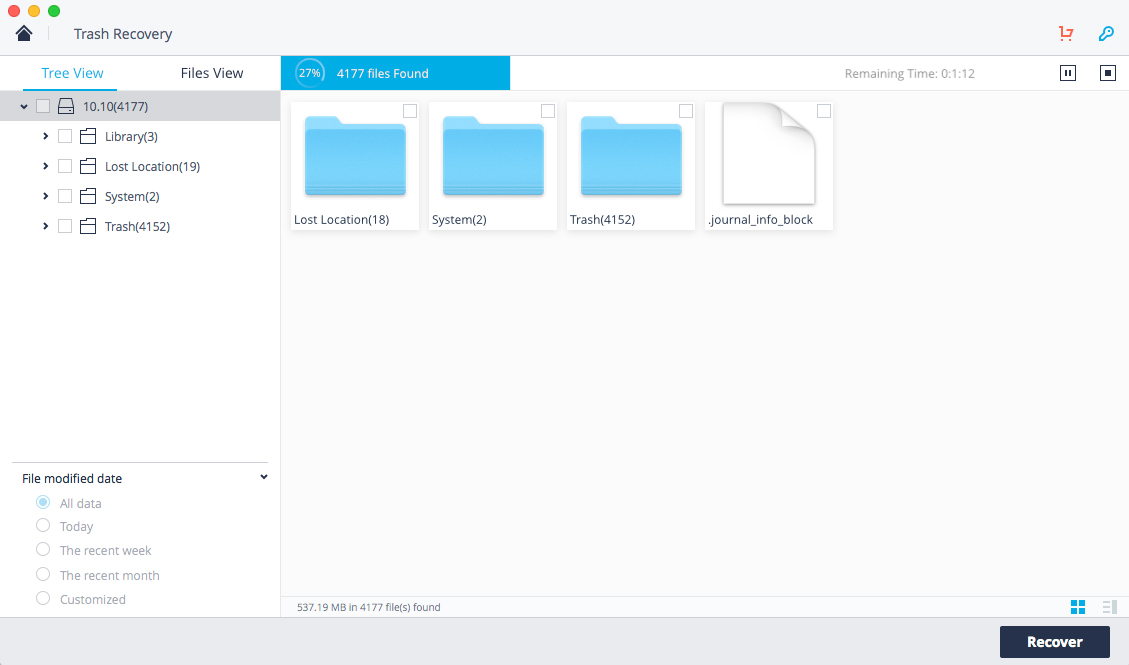
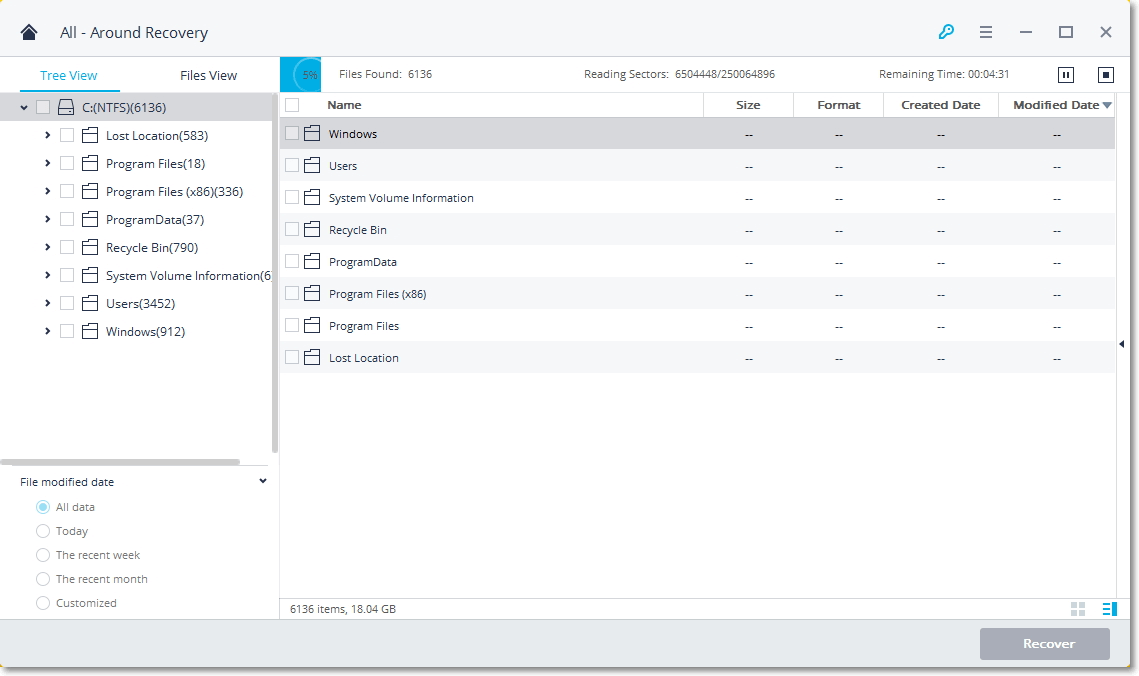
2. Scan Your Device/Computer
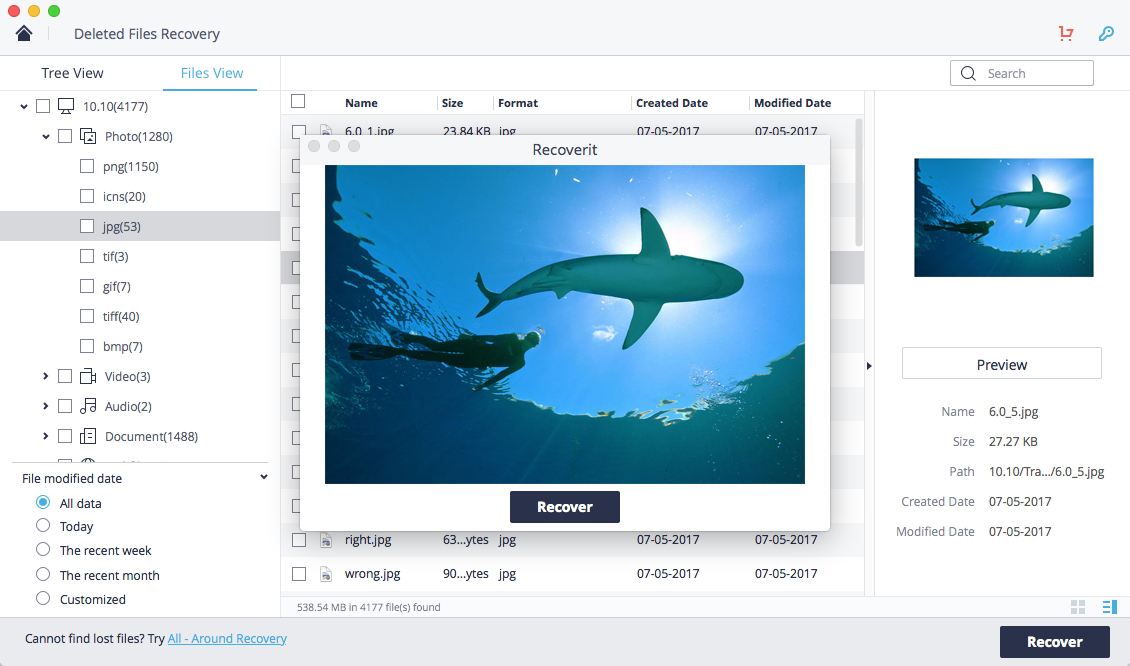
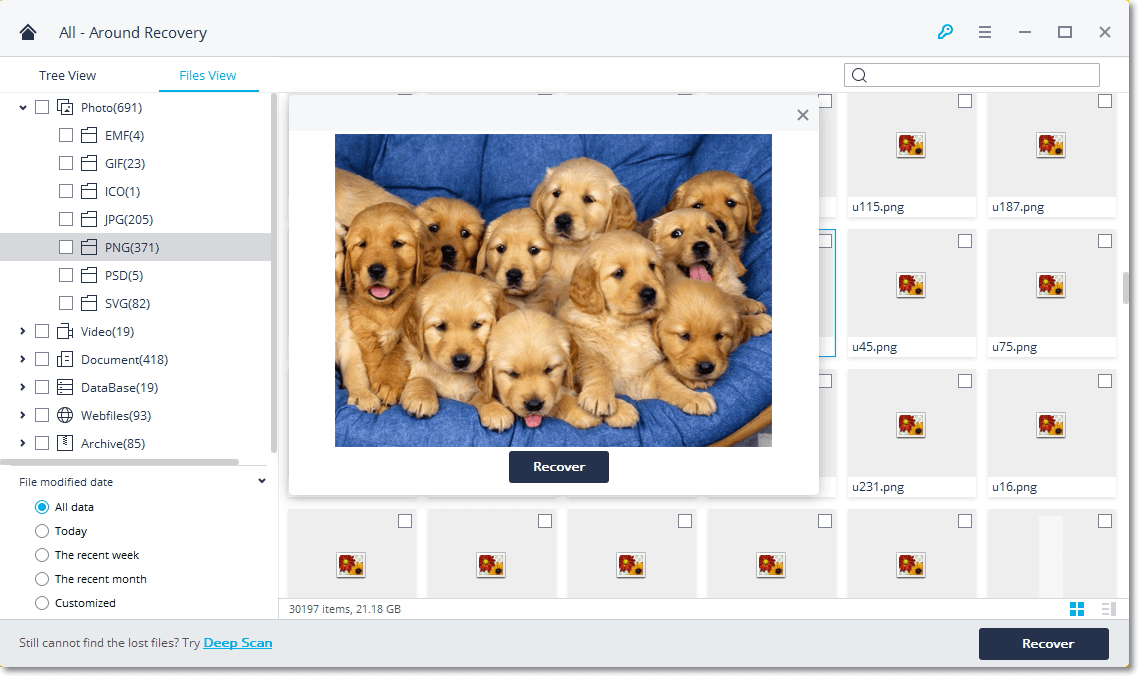
3. Preview and recover your lost files
This helps me find a lot of old pictures and file best product
great way to recover photos accidentally deleted!
I accidentally deleted my fathers partition which contained all photos. i got it back using this tool. Thanks a lot to those who created it!!
I had thought i had lost 1 terabyte of files, when for 2 weeks i tried 5 different packages that are supposed to be the best...but no software i used could find my files...Until i discovered Wondeshare Data Recovery....Found every file in perfect condition.
1 Download the program
Download for Windows


2 Double click the setup file to install

recoverit_full4174.exe
3 Run the progarm
Open the Start menu in the lower left corner of your desktop. Select the All Programs menu item, then follow:
Wondershare >> Uninstall.
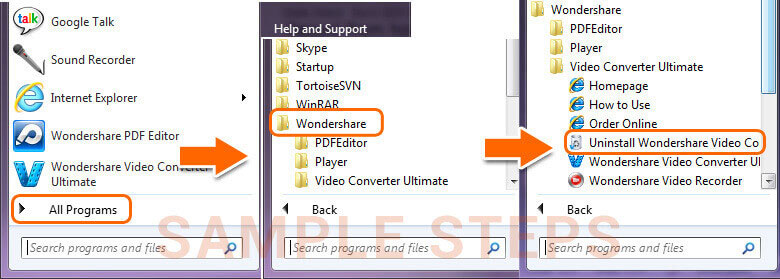
Note: After upgrading to Windows 8, the Uninstall tile may not be represented on the new Start screen. To access it, please right-click on any blank area of the screen, then click the All apps button in the lower right-hand corner of the screen. All the programs installed on your PC will be displayed on the Appsscreen. The Uninstall item can be found in the Wondershare section.